(03-11-2026, 11:59 AM)darkwind Wrote: instead of remembering how to use mnt, u can also just open with `Ark` archive program the iso file and extract it as it is through GUI interface
I would rather we didn't make assumptions about what desktop environment and graphical tools people uses and that people learned the agnostic approach of using utilities that everyone should already be familiar with since they're there regardless of userspace or distribution choice, specially not assuming everyone's using KDE software, which admittedly you shouldn't deal with if you value your sanity, scarce memory and a bug free experience, it's also twice the storage needed unless you extract the contents of the ISO onto a ramdisk, just mount it, that's what ISOs are for.
I've been using Bazzite for some months now. Should I best follow your instructions @darkwind or does @Sally's from Christmas Eve work well with this distro?
EDIT:
(12-24-2025, 11:23 AM)Sally Wrote: 4. Select the launcher we just created and open a Bash terminal, type "winetricks directplay msacm32 dotnet48" to install these. You must do this step exactly as described because spawning a regular Bash terminal won't set the environment variables that point to the right wine prefix, don't use a regular terminal, once winetricks is done you can close the window.
Stuck on this particular step. I do appreciate the streamlined instructions, however for a Linux n00b such as myself, this isn't very clear on how to do this. What is a Bash terminal?
EDIT:
Clicking the up arrow next to the wine glass symbol, found the dropdown that launches the bash terminal. Best to include these micro instructions too.
(03-12-2026, 10:02 AM)TheKusari Wrote: I've been using Bazzite for some months now. Should I best follow your instructions @darkwind or does @Sally's from Christmas Eve work well with this distro?
EDIT:
(12-24-2025, 11:23 AM)Sally Wrote: 4. Select the launcher we just created and open a Bash terminal, type "winetricks directplay msacm32 dotnet48" to install these. You must do this step exactly as described because spawning a regular Bash terminal won't set the environment variables that point to the right wine prefix, don't use a regular terminal, once winetricks is done you can close the window.
Stuck on this particular step. I do appreciate the streamlined instructions, however for a Linux n00b such as myself, this isn't very clear on how to do this. What is a Bash terminal?
EDIT:
Clicking the up arrow next to the wine glass symbol, found the dropdown that launches the bash terminal. Best to include these micro instructions too.
The guide already contains pictures. for every step. just follow the guide.
And this step is equally the same in both instructions
(03-12-2026, 11:02 AM)darkwind Wrote: [ reply to me ]
Much appreciated. I have been using Sally's instructions and didn't go over to yours for any elaboration there. Thanks for the reply though!
I believe I have successfully got this on Bazzite using Sally's instructions, however I'm running into an issue where it's giving me the notification window about Launcher update 2.1.3.
Clicking "Ok" there and "Ok" on the yellow "Patch Time!" banner closes the launcher with a yellow-orange box titled 404.
(03-12-2026, 11:02 AM)darkwind Wrote: [ reply to me ]
Much appreciated. I have been using Sally's instructions and didn't go over to yours for any elaboration there. Thanks for the reply though!
I believe I have successfully got this on Bazzite using Sally's instructions, however I'm running into an issue where it's giving me the notification window about Launcher update 2.1.3.
Clicking "Ok" there and "Ok" on the yellow "Patch Time!" banner closes the launcher with a yellow-orange box titled 404.
@TheKusari Ah. this banner is a sign of you using outdated launcher. I'll advice to reinstall Disco using the latest launcher as simpliest solution https://discoverygc.com/files/discovery_5.3.2.exe
it contains fixed launcher updater
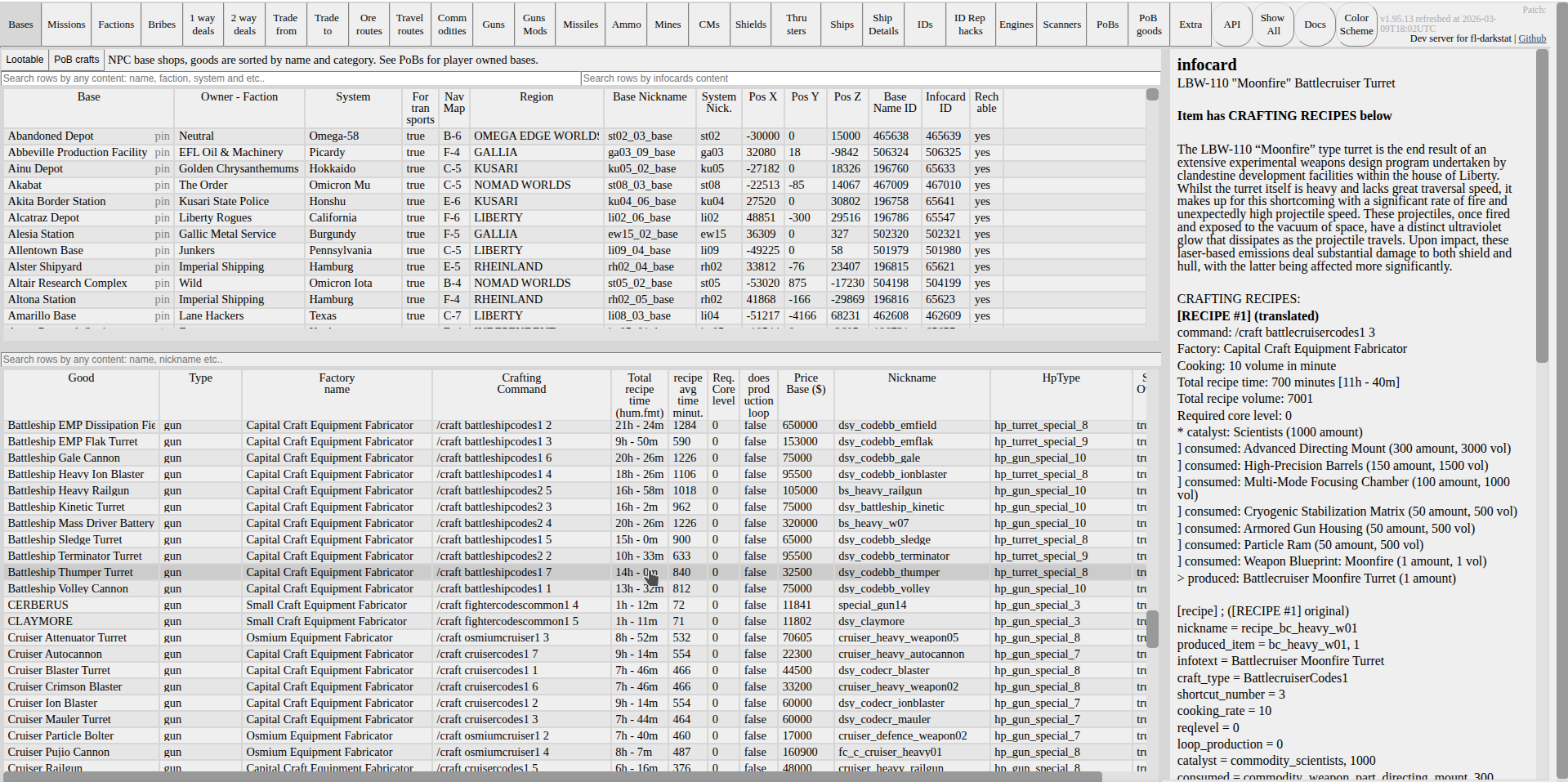
P.S. in other notes, i was seeking you previously to find you and to tell you that updating PoB recipes is no longer big issue https://discoverygc.com/forums/showthrea...pid2389555
Because darkstat now has translated to human language recipes, with fine tuned navigation over them
(03-11-2026, 11:59 AM)darkwind Wrote: instead of remembering how to use mnt, u can also just open with `Ark` archive program the iso file and extract it as it is through GUI interface
I would rather we didn't make assumptions about what desktop environment and graphical tools people uses and that people learned the agnostic approach of using utilities that everyone should already be familiar with since they're there regardless of userspace or distribution choice
@Sally , I can agree with it as having merit of wisdom. and may be good idea to put `mnt` command as default choice into article itself too may be. I'll mention it there at least for sure.
Quote:it's also twice the storage needed unless you extract the contents of the ISO onto a ramdisk, just mount it, that's what ISOs are for.
i am having hard time agreeing with the rest though. Saving 500megobytes of space in order to use mnt over ark dearchiver? Really?
Are we in 2000 year when 500 megobytes were a significant amount? Or we still have HDDs which are super slow, and not using super Fast SSDs for which dearchiving is 2 seconds operation?
Today is 2026 year, and people can spare such amount of space easily in order to avoid remembering difficult commands like working with `mnt`
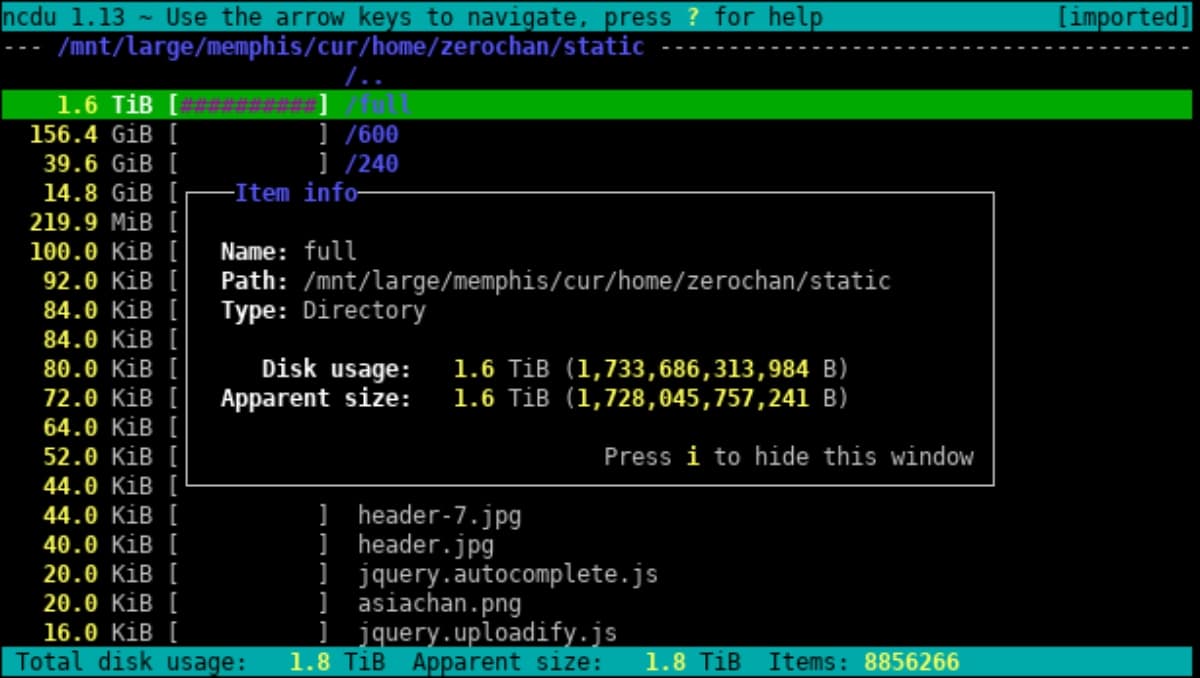
and if u ran out of space, just use `ncdu` to find it again for easy clean up of trash from Downloads or anything else
(03-11-2026, 11:59 AM)darkwind Wrote: instead of remembering how to use mnt, u can also just open with `Ark` archive program the iso file and extract it as it is through GUI interface
using KDE software, which admittedly you shouldn't deal with if you value your sanity, scarce memory and a bug free experience,
P.S. also KDE is the best for the most intuitive, working out of the box in all defaults interface it is worth spending some extra RAM onto it
Very easy to work with interface, with great multi window terminal by default. great GUI for people wishing some familiar interface to them that will make transition to linux very simple.
Linux is as simple as u make it, and as hard as u wish it being hard.
You wish things being simple? Just use Kubuntu with KDE interface and use snap/apt onto every sneeze.
You wish things being hard? Go for arch and compile things from scratch, or even make linux from scratch completely.
Linux does not have to be hard. I have enough issues to deal in software development, kubernetes clusters, terraform, aws, opensearch, python, java, golang and etc as it is. i pick linux because it is EASIER to work with in software development. (especially everything web related)
(12-24-2025, 11:23 AM)Sally Wrote: So here's a summary of how I install Disco through Wine:
1. Get the needed runtime deps here, the vanilla game here, the mod installer here and a Wine runner that has been tested, for example this one.
WARNING. Do not utilize wine-10.18-staging-amd64.tar.xz. according to the great @Koshi.Inaba , there are too frequent crashes if u use regular Wine. Utilzie Ge Proton as recommended in guide for the most crash free experience, or at least try to go for simple Proton built as i went instead (which is too in the guide covered)
@TheKusari tested wine-10.18-staging-amd64.tar.xz and experienced 4 crashes per night in addition (so experienced the same issues as Koshi)
If Simple Proton will be proven unstable, then i'll take care to test Ge Proton thoroughly as well and update guide how to use it as default
P.S. if u switch between Wine runners, take care to read Migration warnings in extra info written to the guide.





![[+]](/forums/images/collapse_collapsed.png "[+]") EXTRA NOTE FOR THE KUSARI
EXTRA NOTE FOR THE KUSARI